


01 / PHOTO EDIT
A different afternoon.
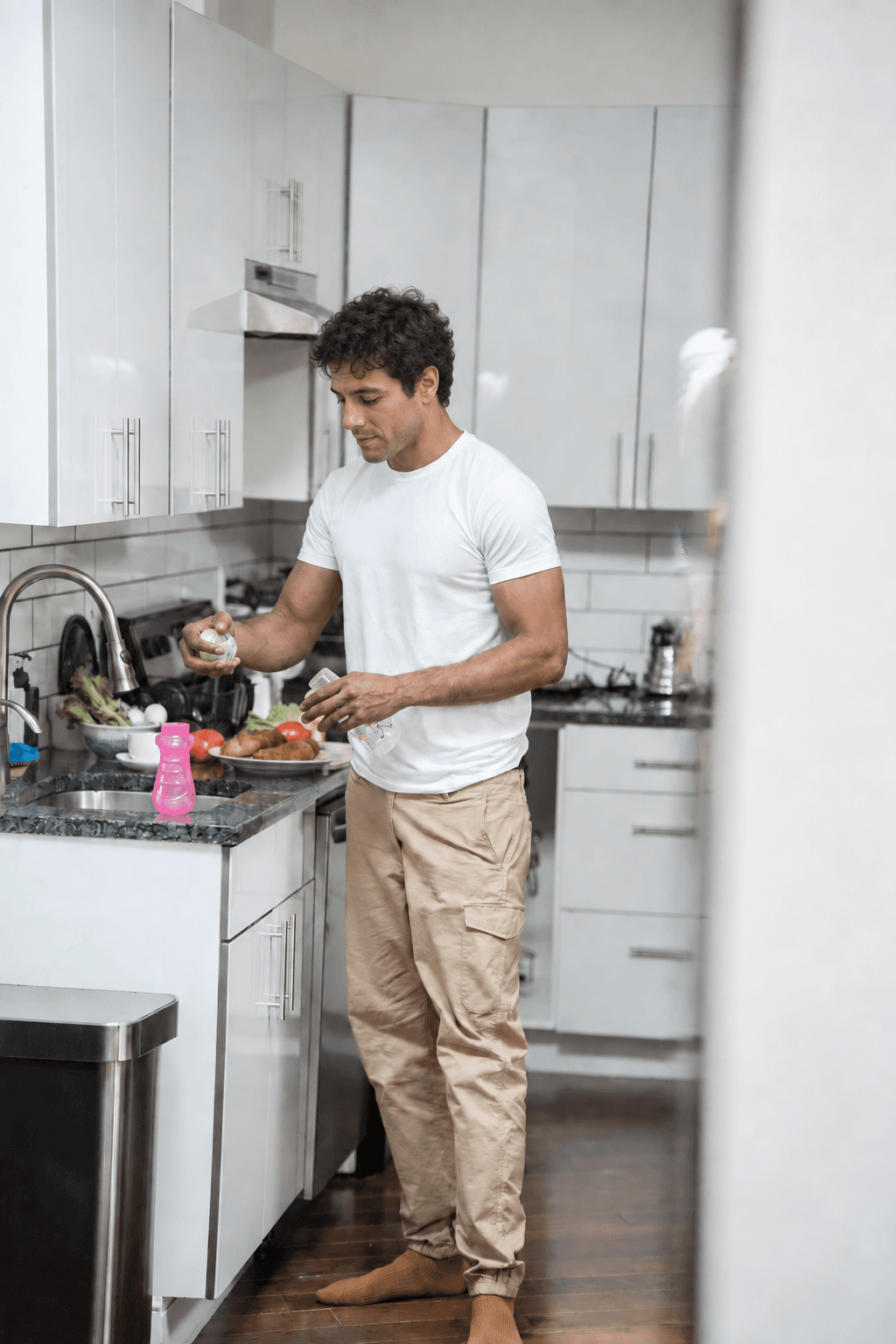
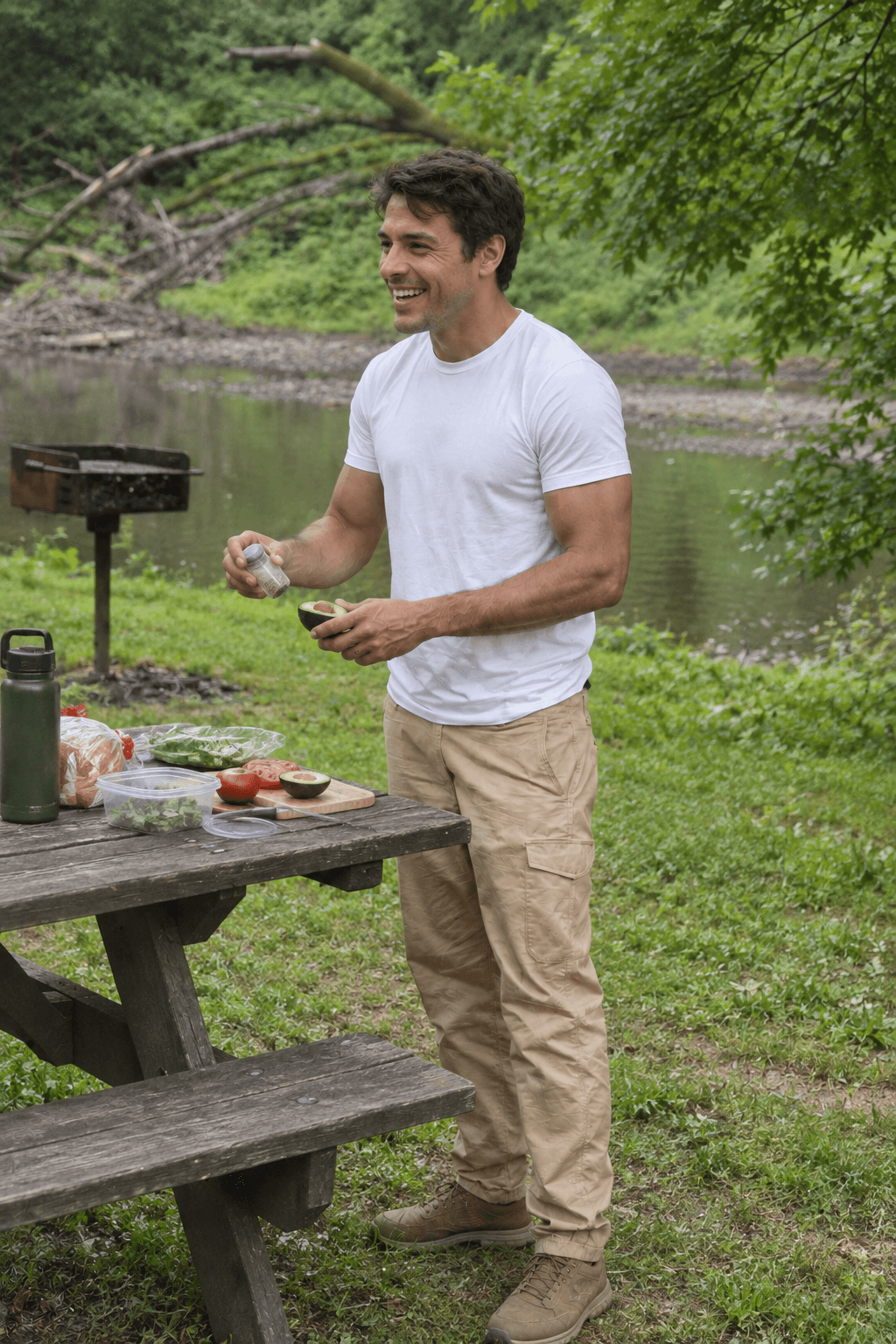
Face and background changed in this example.
Getting everything ready for you.
 almostme
AI profile photo editor
Your real photos. A look you control.
Create a look-alike persona, apply it across your photos, and change revealing backgrounds before you share.
Try 3 image generations free. No payment card required.
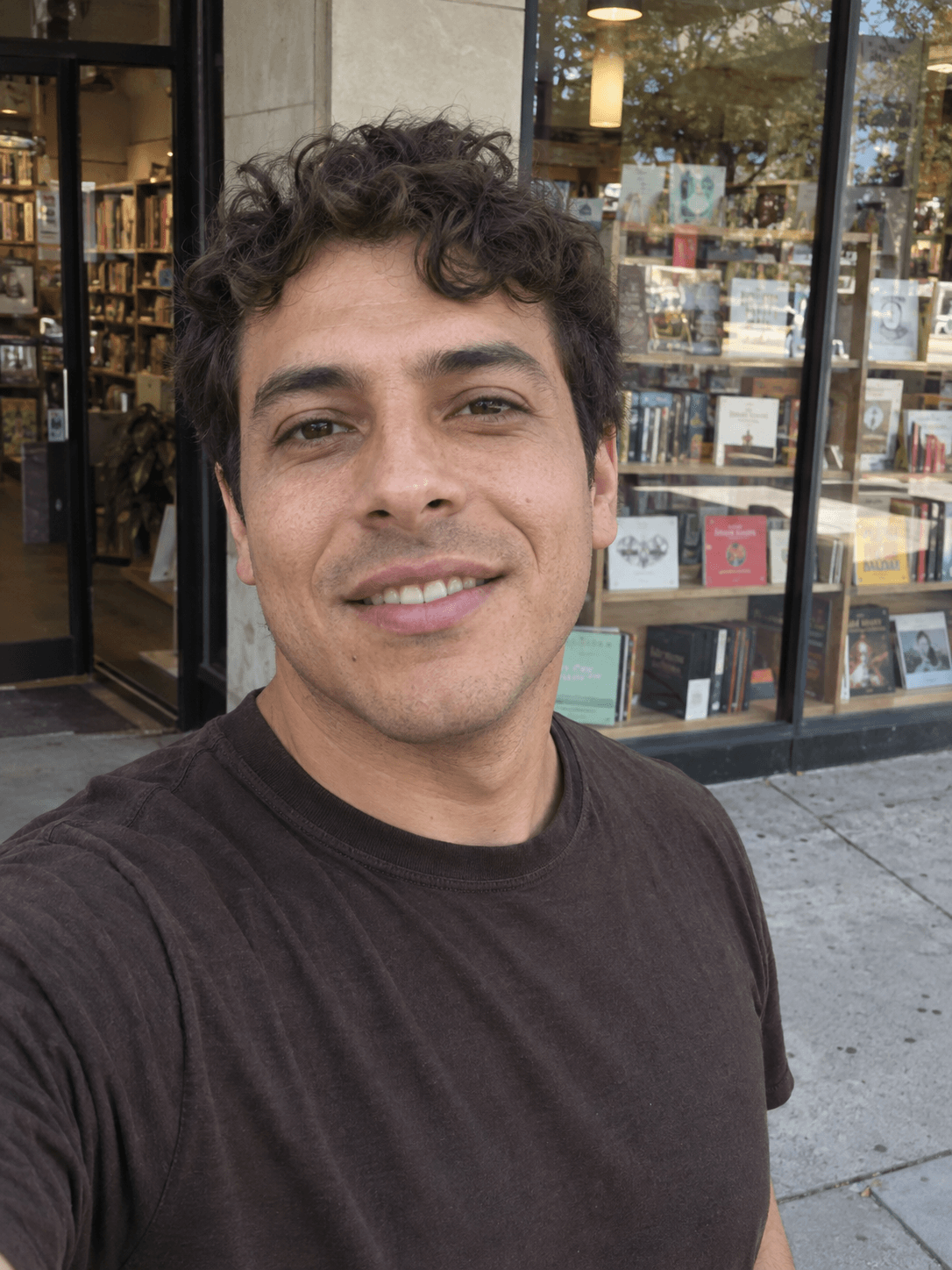
Start with a photo of you
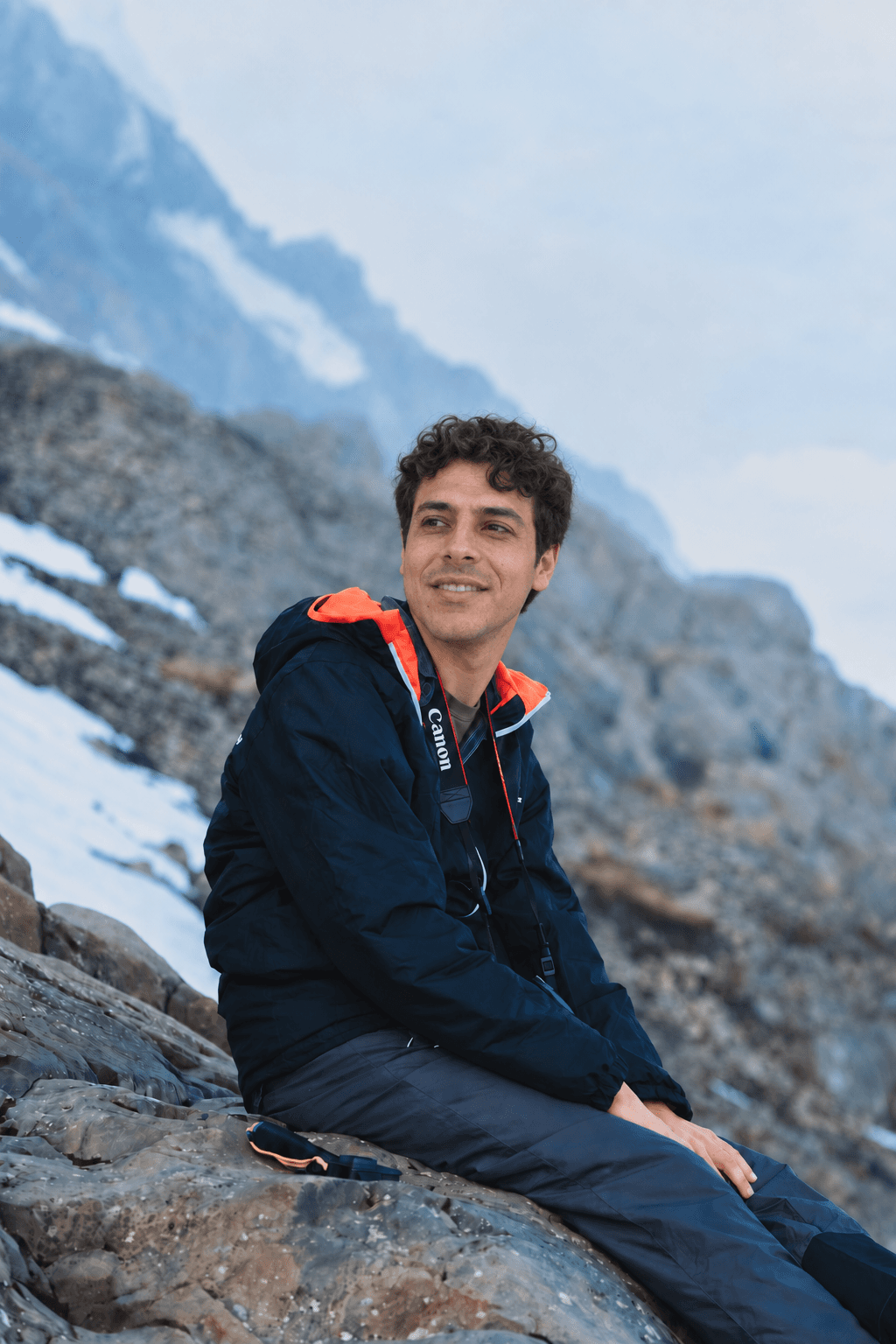
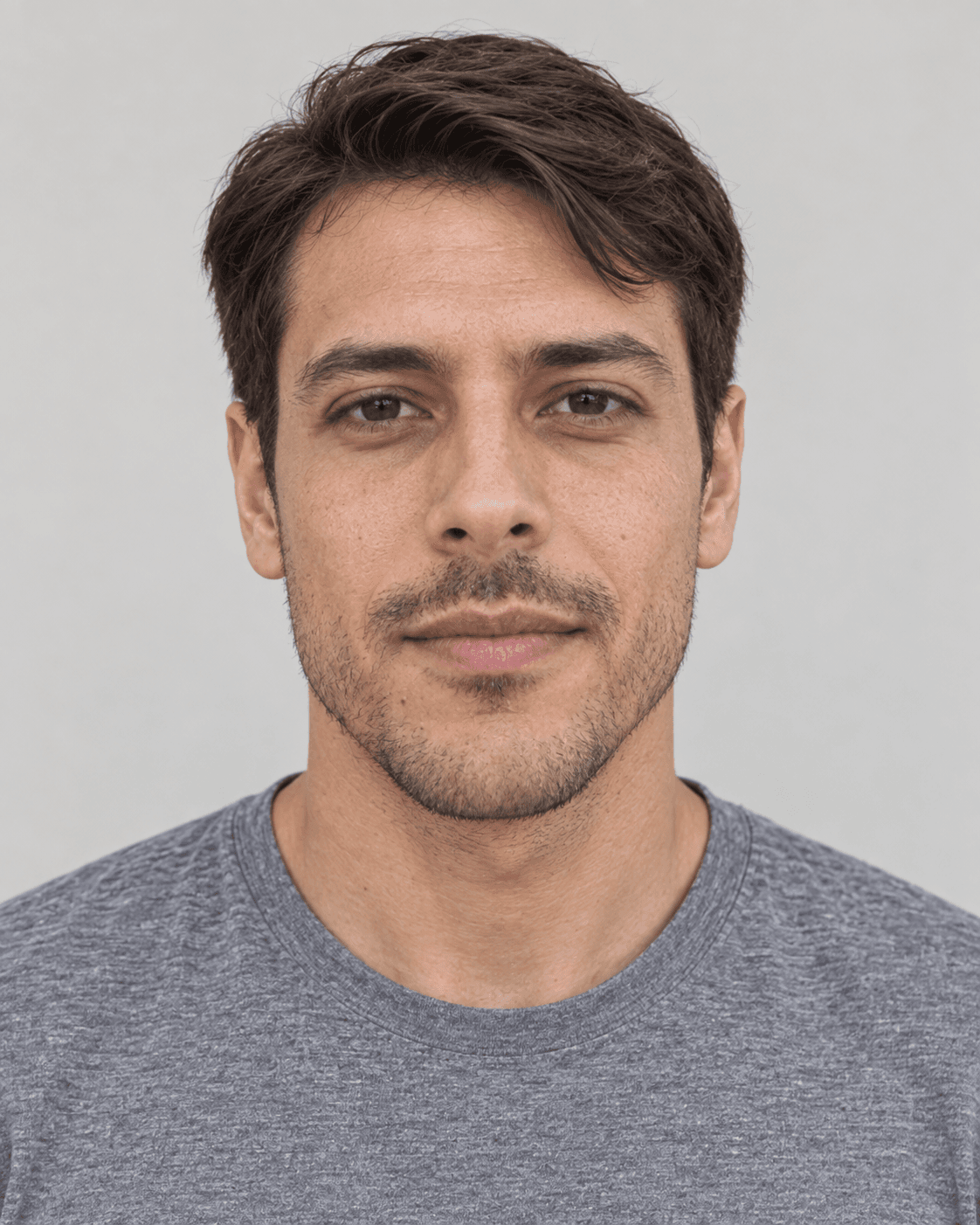
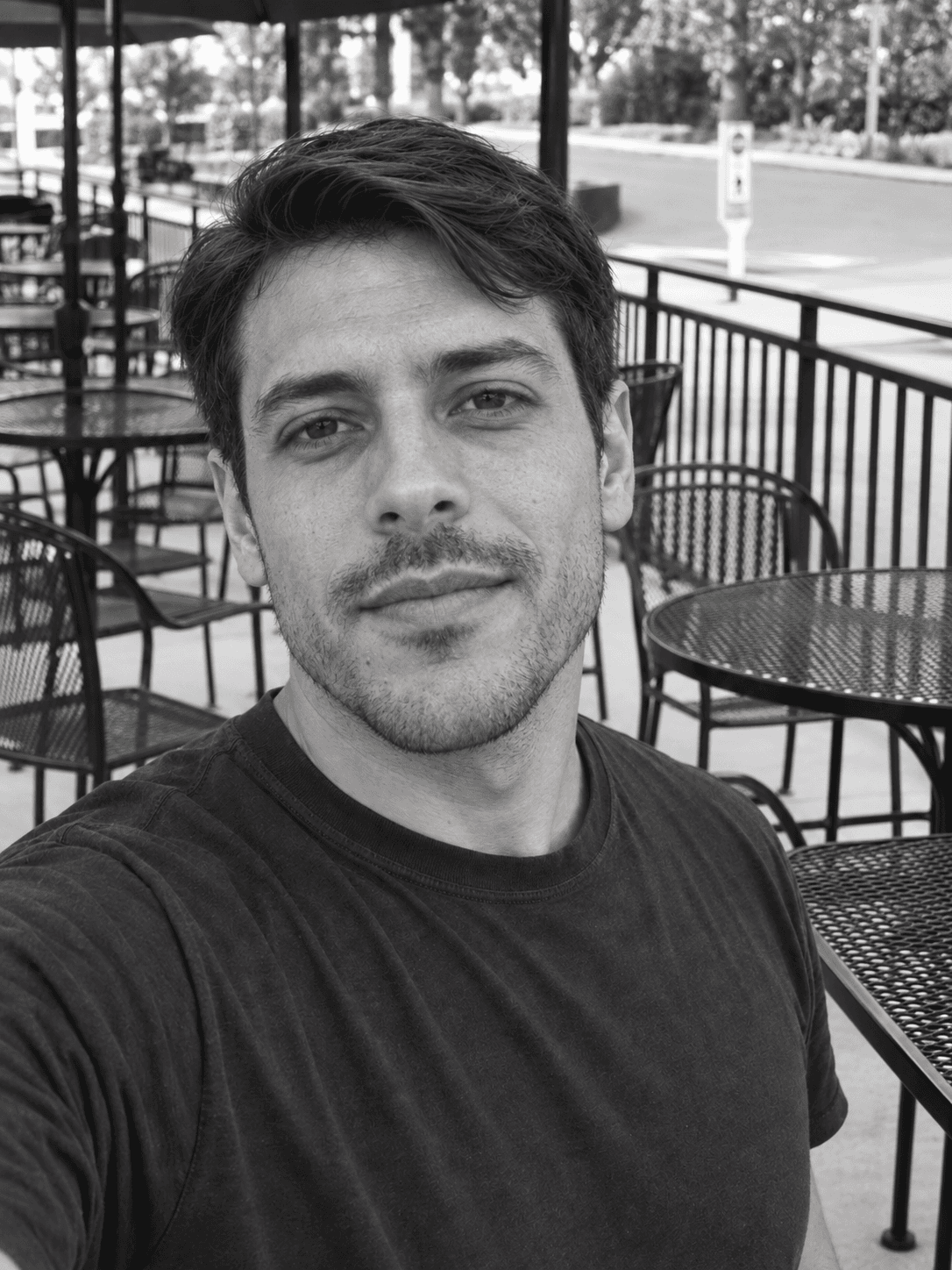
This three-photo example uses Look 3.
Fictional AI-edited examples. The control changes the portrait; the phone shows Look 3. More alteration does not guarantee anonymity.
01 / How it works
Begin with photos that are yours. Choose a look-alike persona, then decide what stays in the frame.
Upload a clear portrait and the moments you want to use.
Compare familiar-looking personas and refine the face before you continue.
Change revealing backgrounds and details, then review each photo before sharing.
02 / Real photos, new context
These source and edited pairs show the kinds of face and background changes you can explore.
Face and background changed in this example.
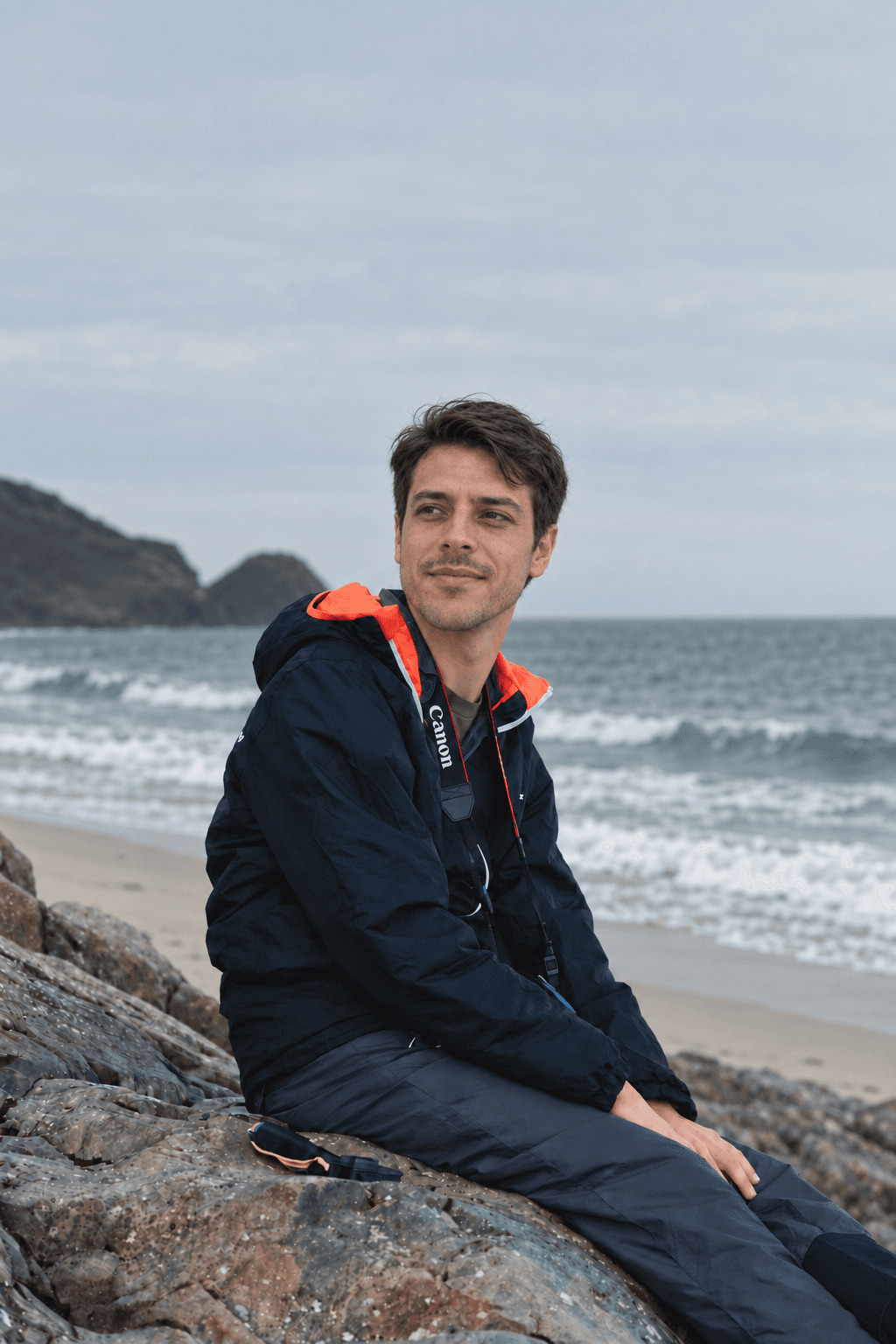
Face and background changed in this example.
Fictional demo people, with AI-edited faces and photo-based backgrounds. Your results will vary.
03 / Good to know
A persona is an AI look-alike you can use across edited photos. You choose the version that feels familiar, then adjust it before making your set.
Yes. Begin with photos you own or have permission to edit. You can work on the face, background, framing, clothing, and other visible details.
AlmostMe does not guarantee anonymity. It changes how you appear, but people or facial-recognition systems may still recognize you. Backgrounds and other details can identify you too.
Edits make new versions in your workspace. Your original photo remains available so you can try another direction.
Your photos. Your privacy